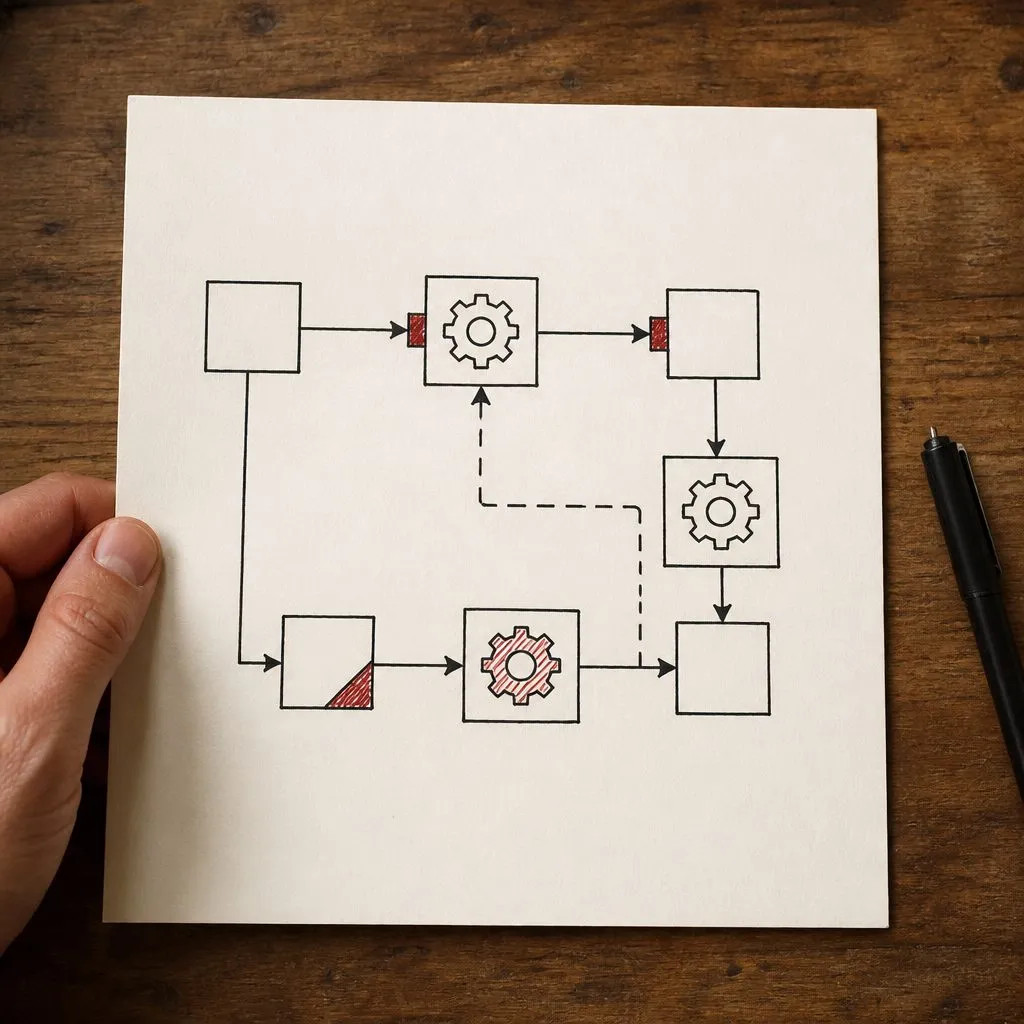
How Does CRM Automation Actually Work?
CRM automation works by watching for a trigger — a form submission, a pipeline stage change, a date, a tag — and then running a predefined sequence of actions: send a text, send an email, create a task, assign the lead, notify the team, start another workflow. No human has to notice the event or decide to act. You build the logic once; the CRM runs it forever.
Here’s what’s actually happening under the hood.
Why a CRM Is Only as Good as Its Automations
A CRM by itself stores contacts and logs notes. Every result you actually want from it, like leads contacted in seconds, follow-ups that never get forgotten, and deals that move on time, comes from the automations built on top. The usual story: a business buys a CRM, imports contacts, builds a pipeline with named stages, and nothing changes. Leads still slip and follow-up still depends on whoever remembers. The owner concludes CRMs don’t work. The CRM did its job, storing data. What was missing was the layer that acts on the data.
When a CRM is properly automated, these things happen without anyone touching them:
- Speed to lead. A new lead gets a text and an email within seconds of opting in.
- Follow-up sequences. Leads who don’t respond get a structured series of messages over days and weeks, which stops when they reply or book.
- Pipeline triggers. When a deal changes stage, the right tasks get created and the right people get notified.
- Re-engagement. Cold leads get targeted outreach instead of dying in a list nobody opens.
- Routing. Leads land with the right person, on the right calendar, based on service type or location.
The Three Pieces: Trigger, Conditions, Actions
Every automation is built from three parts:
- The trigger — the event that starts it. “A new contact submits the contact form.”
- The conditions — optional filters and branches. “If the lead’s budget is over $10,000, go down path A; otherwise path B.”
- The actions — what happens. “Send SMS, wait 5 minutes, send email, create a task for the rep, add a ‘new lead’ tag.”
That’s it. Everything else is just combinations of those three. The CRM sits there watching for triggers, and when one fires, it walks through the conditions and executes the actions. We’ve built this on GoHighLevel, which has a visual workflow builder for exactly this.
A Concrete Example: Speed-to-Lead
The single most valuable automation to build first. A lead submits a form:
- Trigger: form submission
- Action 1 (instant): create the contact record
- Action 2 (within 10 seconds): send an SMS — “Hi [name], thanks for reaching out about [thing]. Someone will call you shortly — or grab a time here: [link]”
- Action 3 (within 30 seconds): send an email with more detail
- Action 4 (within 60 seconds): trigger an AI voice agent call to qualify and book
- Action 5: notify the sales team via SMS or Slack
All of that happens before a human knows the lead exists. Compare that to the manual version — someone has to notice the email, open the CRM, find the lead, decide to call — and the lead’s already talked to a competitor. We dug into the research in how fast should you respond to a new lead, and Harvard Business Review’s lead-response study puts hard numbers on it.
Triggers: What the CRM Watches For
Common triggers in a small-business setup:
- New form submission, new contact, inbound call, inbound SMS
- Pipeline stage change (“moved to Qualified”)
- Tag added or removed
- A date arriving (appointment tomorrow, contract anniversary)
- Email opened or link clicked
- Appointment booked, rescheduled, or no-showed
- A webhook from an external system (ad platform, landing page, third-party form)
Actions: What It Can Do
The action library is broad:
- Send SMS, send email, drop a voicemail
- Create a task, assign to a rep (round-robin, by territory, by skill)
- Move a deal to a new stage
- Add/remove tags, update custom fields
- Notify the team
- Start or stop another workflow
- Call a webhook (this is how it talks to an AI voice agent or any external tool)
- Wait — for minutes, hours, days, or until a condition is met
Conditions and Branching: Where the Logic Lives
Real workflows aren’t linear. “If the lead picked up, do this; if it went to voicemail, do that. If they replied, stop everything. If three days pass with no response, escalate.” That branching is what separates a thoughtful automation from a spam cannon. It’s also where most DIY setups fall down — people build the happy path and forget the exits. Build the exits before you call a workflow done.
Exit Conditions: How It Knows to Stop
Critical and easy to forget: every sequence needs a way out. The lead replies — stop. The lead books — stop. The lead opts out — stop, and respect it (the FCC’s rules on text messaging make this a legal requirement, not a nicety). Without exit conditions, a lead who books an appointment keeps getting “are you still interested?” texts. That’s how you train people to ignore you.
When You Need More Than the Built-In Builder
Most CRMs handle linear and lightly-branched workflows natively. When you need complex conditional logic, real-time data enrichment, or tight integration with external systems, a tool like n8n can fill the gap. It’s a low-code automation platform that handles the heavy lifting and talks back to the CRM. The principle, per the SBA’s guidance on business technology, is to use the right tool for the job rather than forcing one platform to do everything. The full stack is described in what a marketing automation agency actually does.
What’s Hard About This Isn’t the Building
Anyone can drag boxes in a workflow builder. The hard part is designing the workflows — mapping your actual sales process, deciding what triggers what, getting the branching right, building the exits, and testing it against real lead data so it doesn’t misfire. That’s the work in a done-for-you CRM setup. Generic templates fail because every business sells differently — a solar pipeline isn’t a mortgage pipeline.
How to Tell If Yours Is Actually Working
Pull three numbers:
- Time from lead created to first automated response. It should be seconds. If it’s hours, you have no speed-to-lead automation.
- Share of non-responders getting the full follow-up sequence. It should be most of them. If it’s near zero, you have no follow-up engine.
- Deals past their stage deadline with no activity. It should be near zero. A long list means your pipeline triggers don’t exist.
If those numbers look bad, your CRM is a filing cabinet with a monthly subscription.
Where to Start
If you’ve got a CRM that’s basically a contact list right now, start with one automation: speed-to-lead. Get the instant SMS and email firing on every form submission. That alone catches the most common leak. The full build order:
- Speed-to-lead text and email on every form and call.
- A 7-to-14-touch follow-up sequence for non-responders.
- Pipeline-stage triggers so deals never sit untouched.
- Re-engagement for the cold-lead backlog you already have.
- Integrations that connect the CRM to your booking and phone system so everything writes to the same record.
Each step earns the right to the next. If you’d rather hand the build to someone, what a marketing automation agency actually does covers what to expect.
Frequently Asked Questions
What is a CRM automation trigger? An event the CRM watches for: a new form submission, a contact moving to a new pipeline stage, a tag being added, a date arriving, an email being opened. When the trigger fires, the workflow runs.
What kinds of actions can CRM automation take? Send an SMS or email, drop a voicemail, create a task, assign a contact to a rep, move a deal stage, add or remove a tag, notify the team, start or stop another workflow, call a webhook, or trigger an AI voice agent.
Do I need to know how to code to set up CRM automation? No. Modern CRMs have visual workflow builders. Complex branching logic and external integrations sometimes need a tool like n8n, which is also low-code. The hard part is designing the workflows, not building them.
What is the most valuable CRM automation to set up first? Speed-to-lead: the instant the lead comes in, fire an SMS, an email, and ideally an AI call within seconds. It catches the single most common way leads get lost.
How does automation know when to stop messaging a lead? You build exit conditions: the lead replies, books an appointment, or opts out — the workflow detects it and stops the sequence so they do not keep getting messages.
Can CRM automation work across SMS, email, and phone? Yes. A single workflow can send a text, then an email, then drop a voicemail, then trigger a call — all in sequence, all conditional on what the lead does.
Related reading
- The complete local business marketing playbook - the full sequence this fits into
- Do small businesses need a CRM
- Best CRM for small business in 2026
- Best CRM for home service businesses
- Best free CRM for small business
- How to follow up with leads automatically
- Done-for-you CRM setup
- What a marketing automation agency actually does
Frequently asked questions
What is a CRM automation trigger?
An event the CRM watches for: a new form submission, a contact moving to a new pipeline stage, a tag being added, a date arriving, an email being opened. When the trigger fires, the workflow runs.
What kinds of actions can CRM automation take?
Send an SMS or email, drop a voicemail, create a task, assign a contact to a rep, move a deal stage, add or remove a tag, notify the team, start or stop another workflow, call a webhook, or trigger an AI voice agent.
Do I need to know how to code to set up CRM automation?
No. Modern CRMs have visual workflow builders. Complex branching logic and external integrations sometimes need a tool like n8n, which is also low-code. The hard part is designing the workflows, not building them.
What is the most valuable CRM automation to set up first?
Speed-to-lead: the instant the lead comes in, fire an SMS, an email, and ideally an AI call within seconds. It catches the single most common way leads get lost.
How does automation know when to stop messaging a lead?
You build exit conditions: the lead replies, books an appointment, or opts out — the workflow detects it and stops the sequence so they do not keep getting messages.
Can CRM automation work across SMS, email, and phone?
Yes. A single workflow can send a text, then an email, then drop a voicemail, then trigger a call — all in sequence, all conditional on what the lead does.
Why did my CRM not change anything after we bought it?
Because buying a CRM only buys you a place to put data. Nothing happens until you configure the automations: the follow-ups, the triggers, the routing. An unautomated CRM is the most common reason businesses say CRMs do not work for them. The CRM is fine; it was never turned on.
How do I know if my CRM automation is working?
Check three numbers: time from lead creation to the first automated response (seconds, not hours), the share of non-responding leads that get a full automated follow-up sequence (should be most of them), and how many deals sit untouched past their stage deadline (should be near zero).
How does your website look to Google and AI?
Get a free SEO + AEO audit. It comes with a free portal account that keeps monitoring your site and tells you what to publish next.
Get your free audit